 Waqas Ishaque
Ever wanted to add a little personality to your website? Meet oneko.js - a delightful JavaScript script that adds a pixel-art kitten that follows your cursor around the page. It's nostalgic, cute, and surprisingly functional.
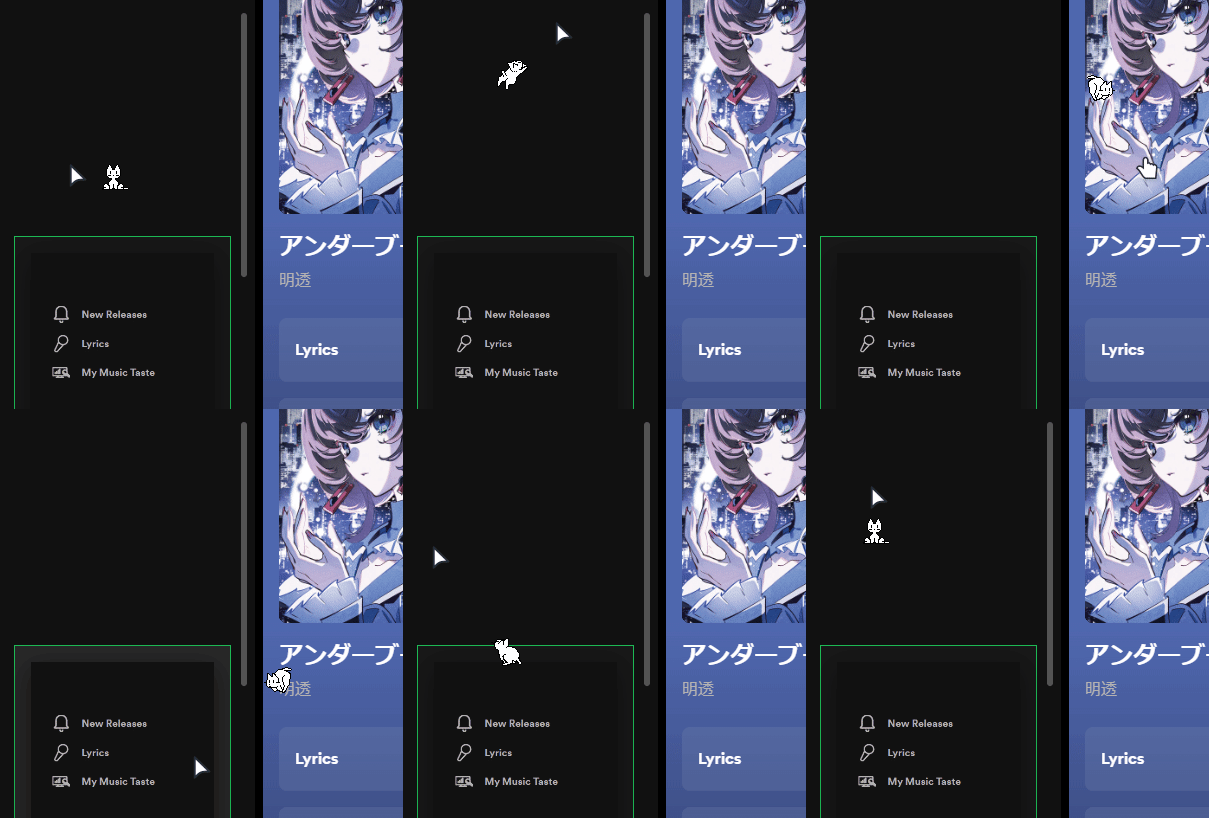
What You'll Get
- A cute pixel cat that chases your cursor
- Drag-and-drop functionality
- Double-click to make it sleep
- Right-click to toggle "kuro neko" (black cat) mode
- Hearts explosion on single click
- Multiple cat variants (Maia, Tora, Dog, Vaporwave, and more)
- Scroll awareness - the cat moves with page scrolling
Quick Start
1. Get the Cat Sprite
First, you'll need the cat sprite sheet. Download one from the spicetify-oneko assets or use a CDN:
2. Add the Script
Create public/oneko/oneko.js:
3. Load the Script
Add this to your HTML before the closing </body> tag:
Or if you're using React/Next.js, create a component:
Adding Interactivity
Drag and Drop
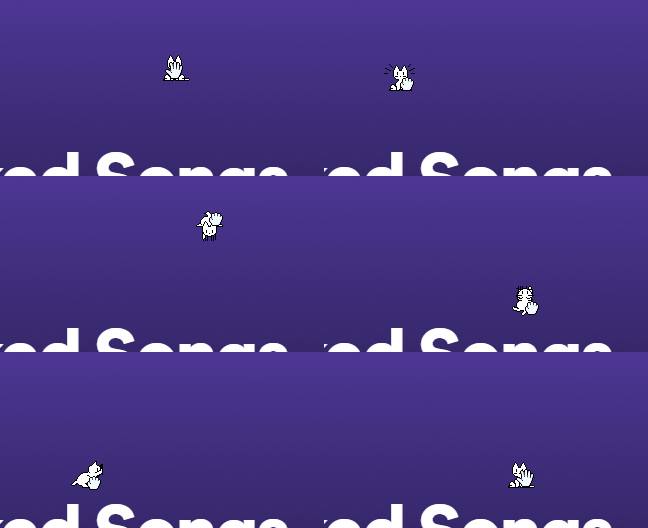
Add this to your create() function:
Kuro Neko Mode

Right-click to invert the cat's colors:
Hearts on Click
Make hearts explode when clicking the cat:
Multiple Variants
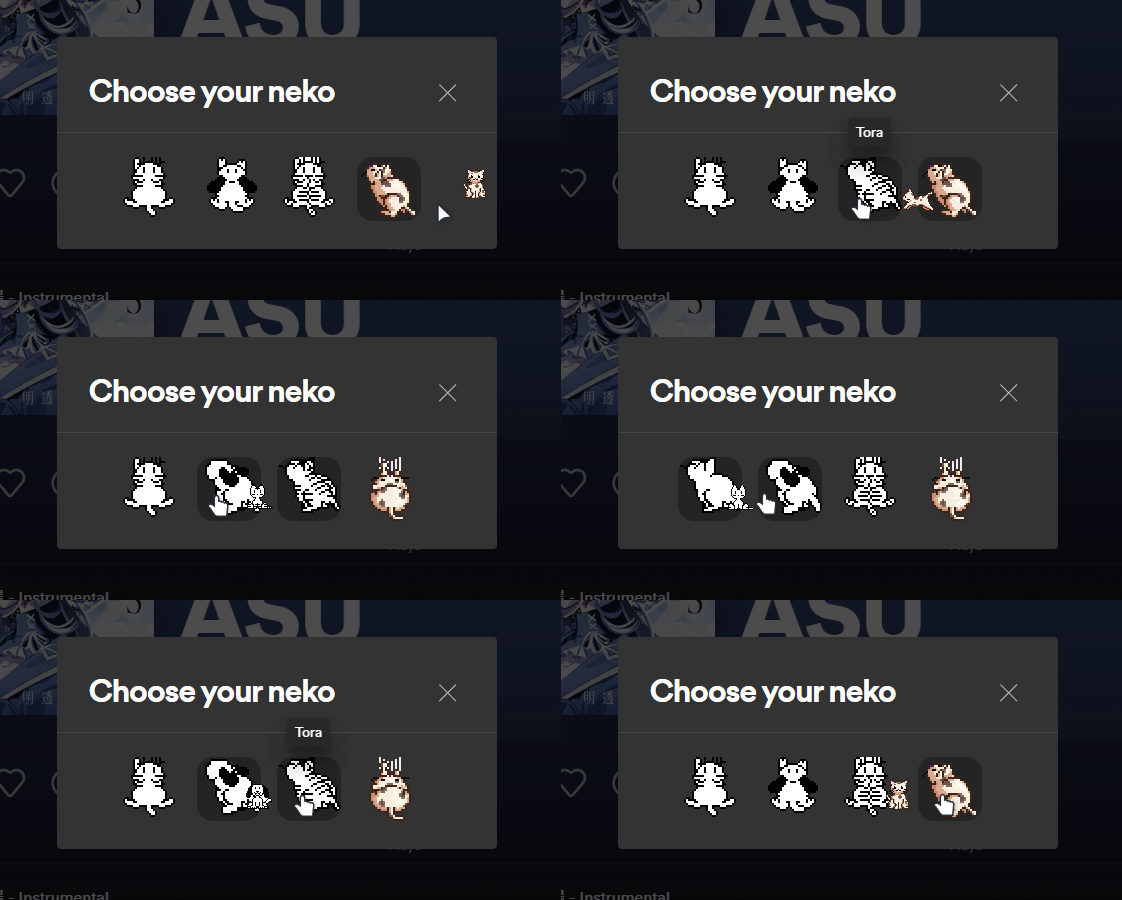
The cat comes with several skins. To switch variants, just change the background image:
Download all variants from the assets folder.
Scroll Support
Make the cat react to page scrolling:
Credits
This implementation is based on oneko.js by adryd325 with enhancements from kyrie25's spicetify-oneko.
That's it! You now have a playful kitten companion on your website. The cat you see following your cursor on this very page is built using these exact techniques. Go ahead, try dragging it around or double-clicking to make it sleep! 🐱
How is this guide?
Comments
Last updated on